1. Describe the Demo project in detail for further customization
2. Down the project to an Nexus Panel to show how the project works on hardware
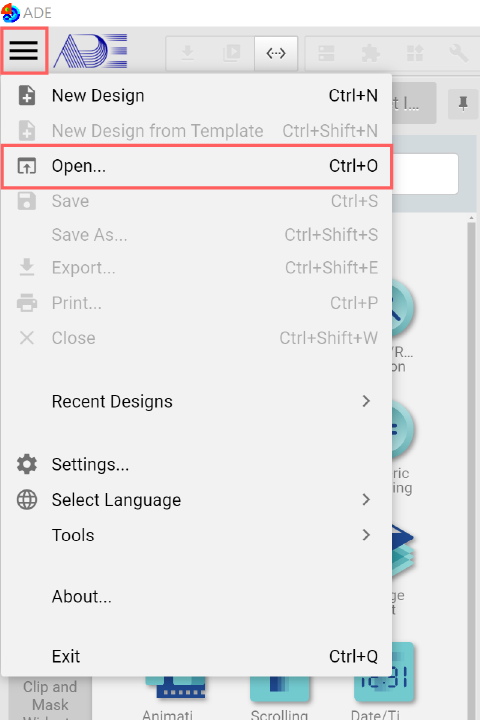
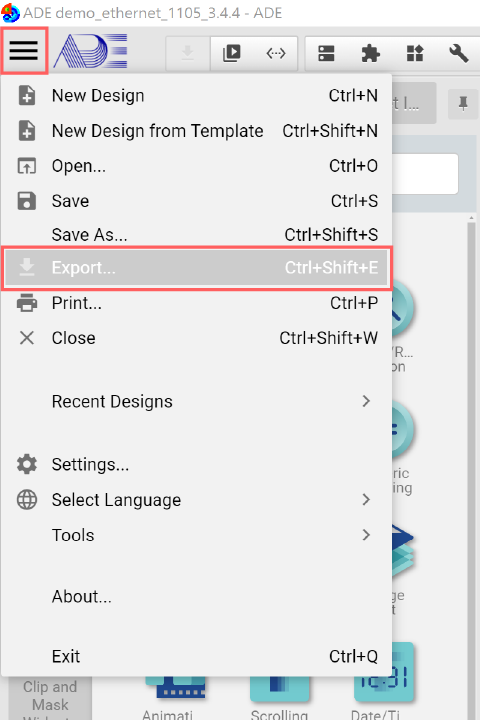
Click the System Menu, press Open, then choose "ADE demo_com.epgz" to open the project.
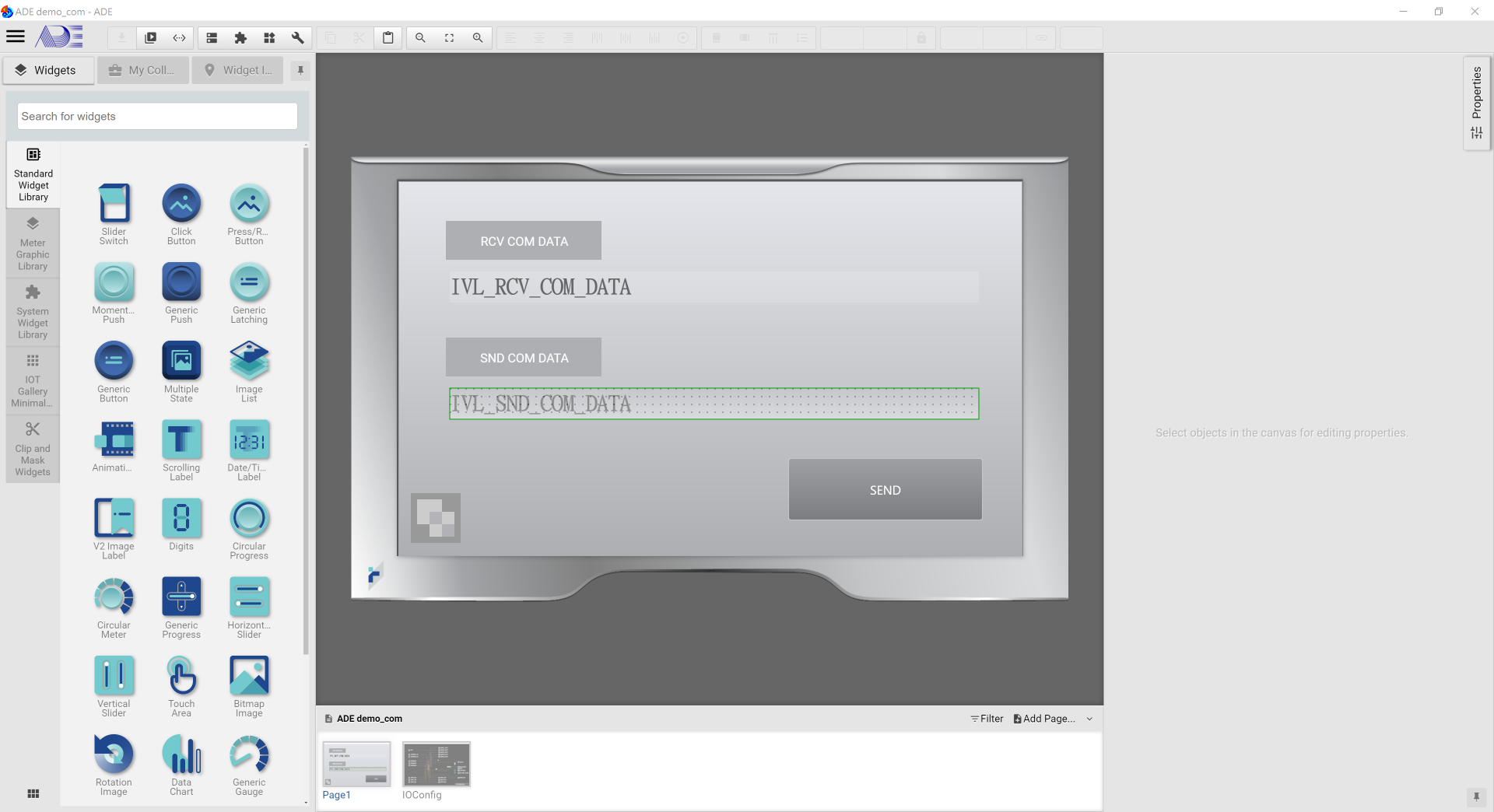
Once the project is successfully loaded, you will see:
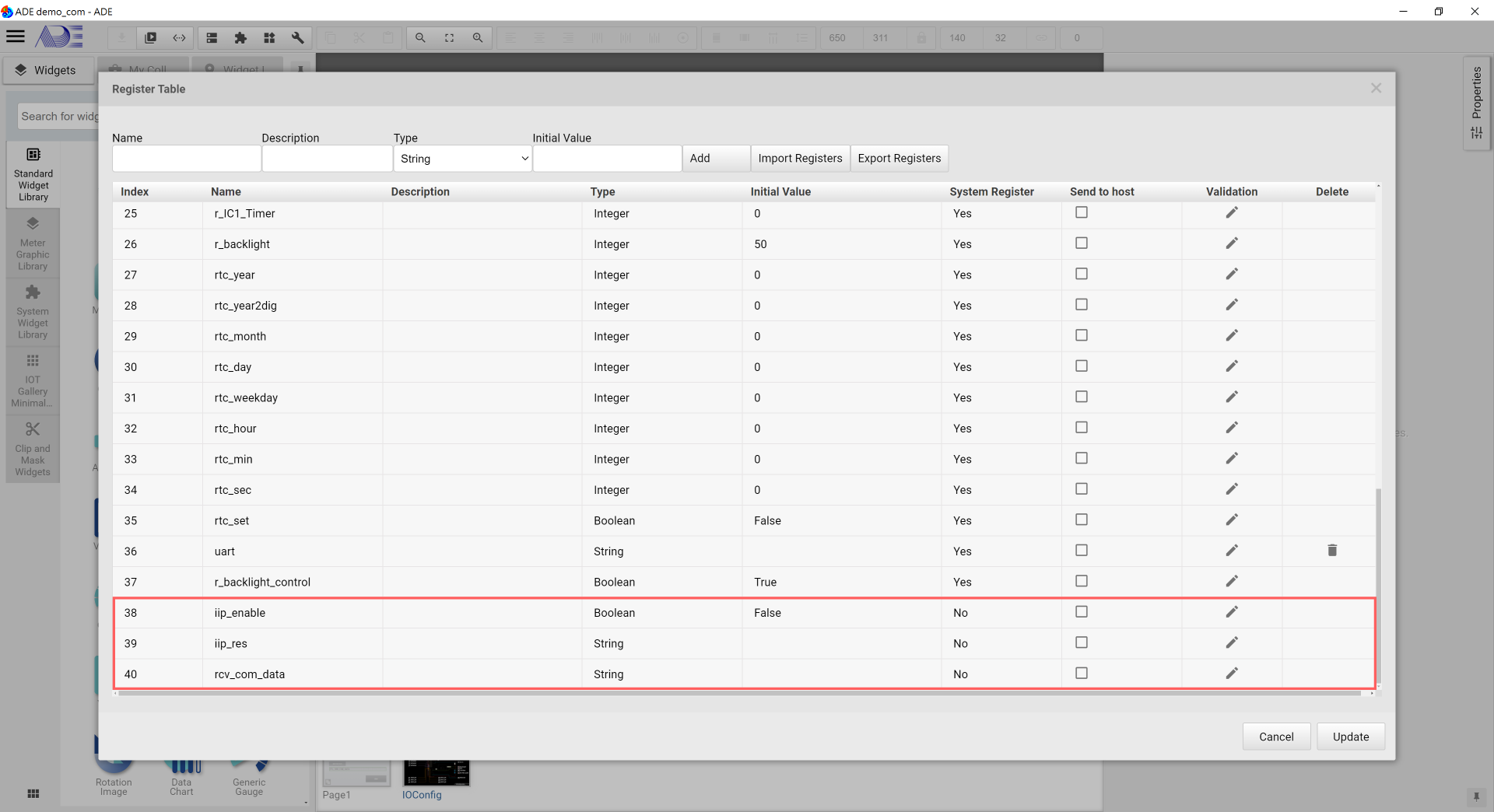
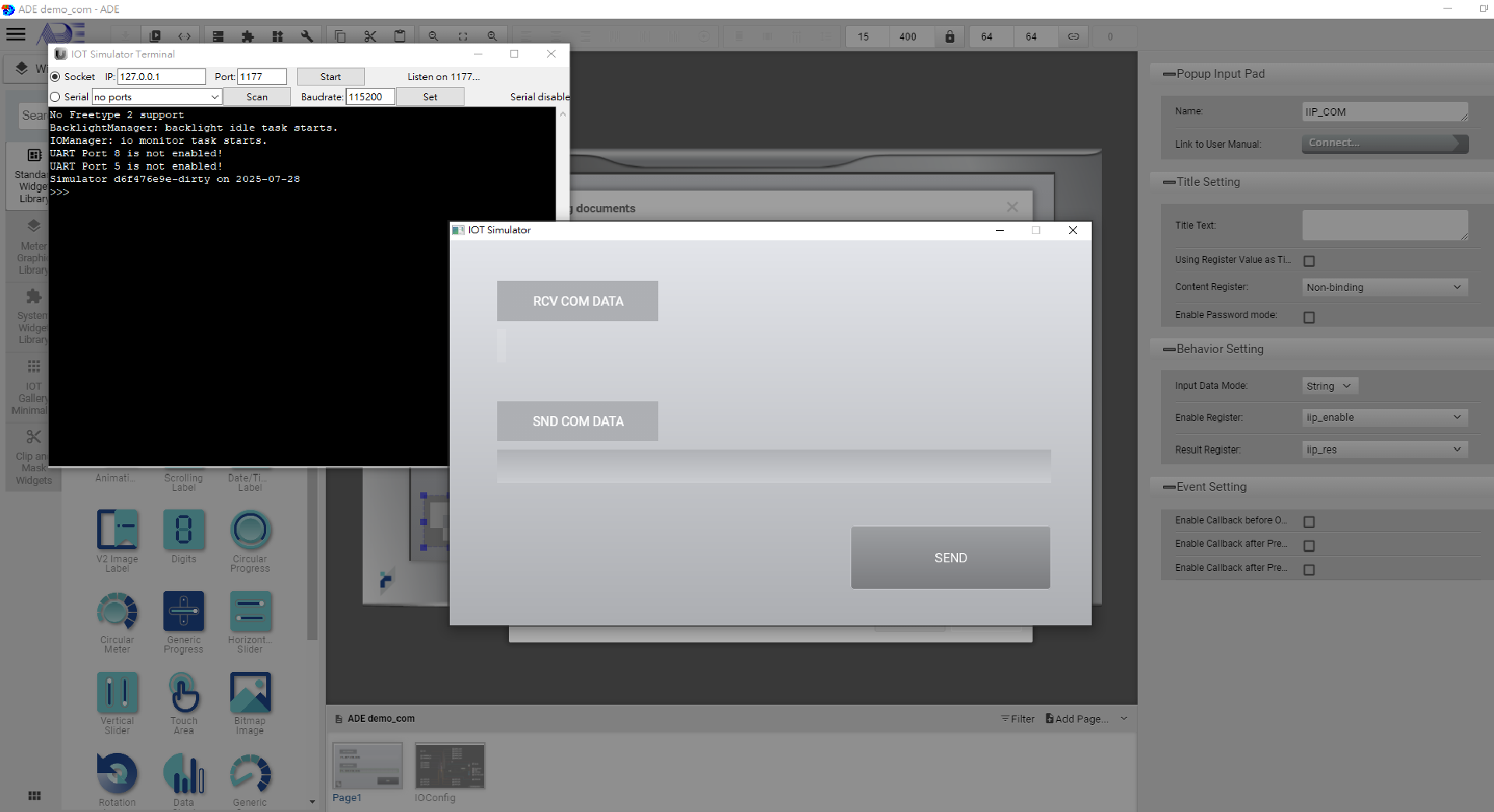
-IVL_RCV_COM_DATA binds the register: rcv_com_data
-IVL_SND_COM_DATA binds the register: iip_res
-ITA_SND_CAN_ID: A touch area, once triggered, a Popup Input Pad is shown for entering the data for transmit

-SEND: Click event. Once clicked, com.send() transmits the data and the receive data is shown on IVL_RCV_COM_DATA
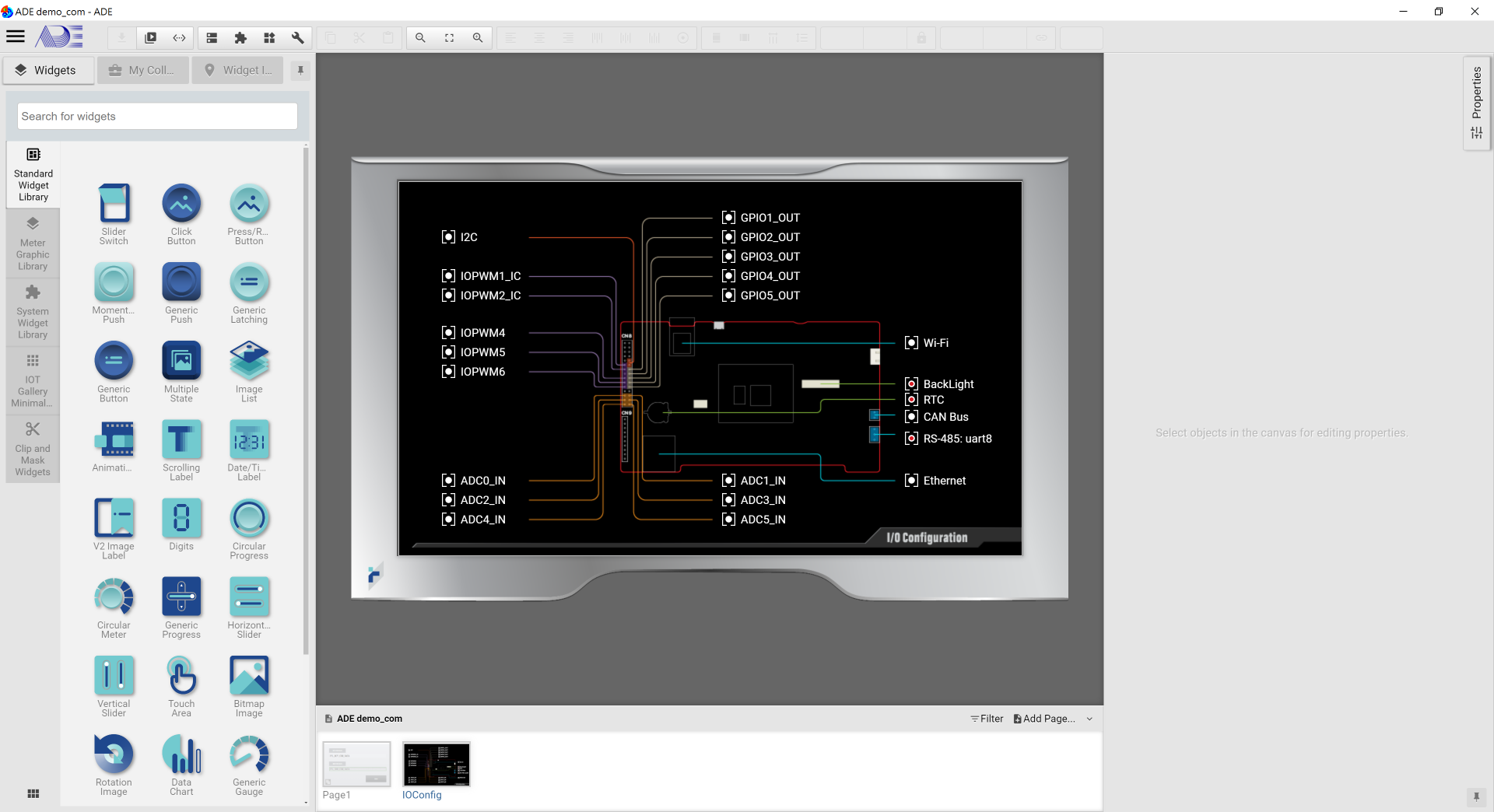
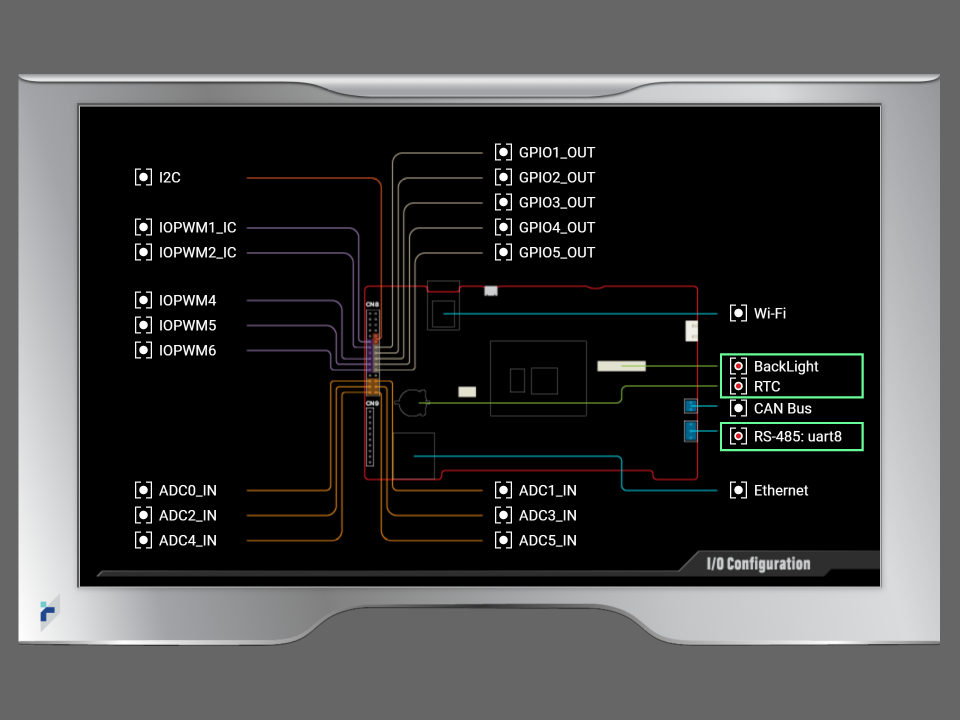
Enable IO:

    -Backlight: The screen is locked after 180 seconds of inactivity.
    -RTC: Set the real time clock
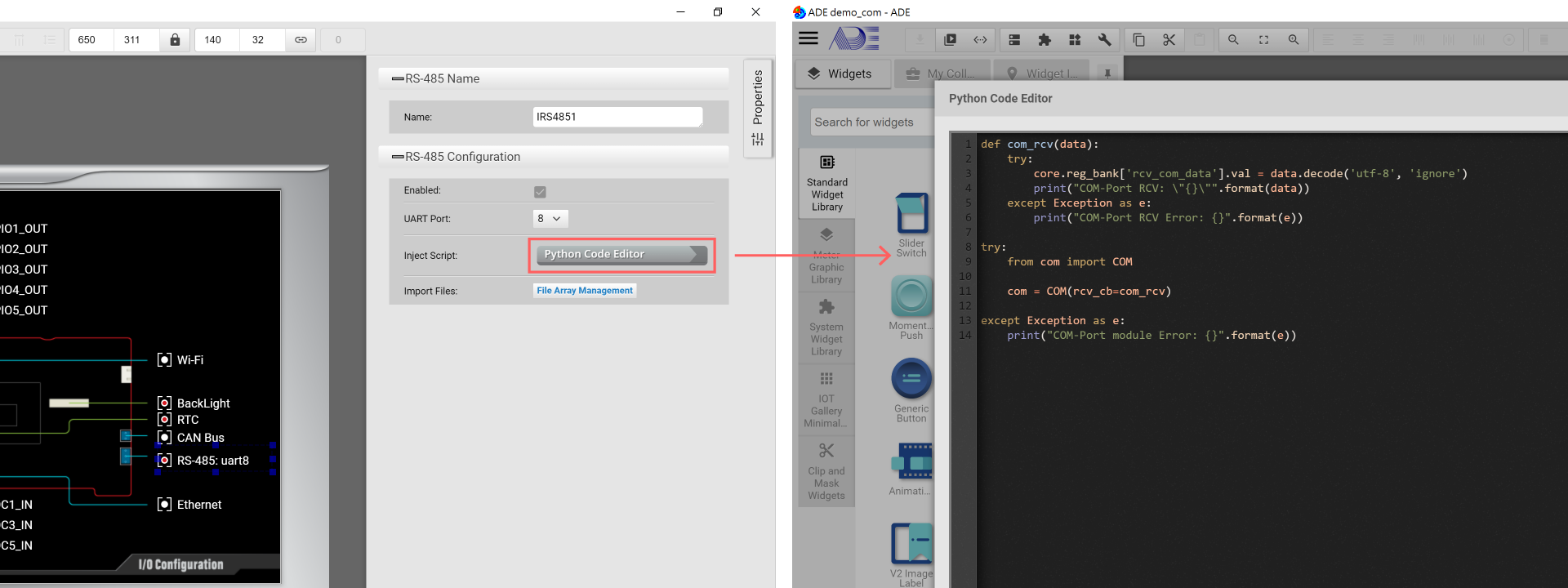
    -RS-485: uart8: As shown on RS-485 Configuration page, the call back function "com_rcv(data)" is defined to receive data from com port and show the received data
       => Import file
            1. com.py
            -> com.py defines RS485 initialization setting (including UART id, baud rate, buffer size...)
It is recommended to run the demo project in the built-in simulator before exporting the project to an IOT product.
Click "Launch Simulator" in the "Download" tool bar
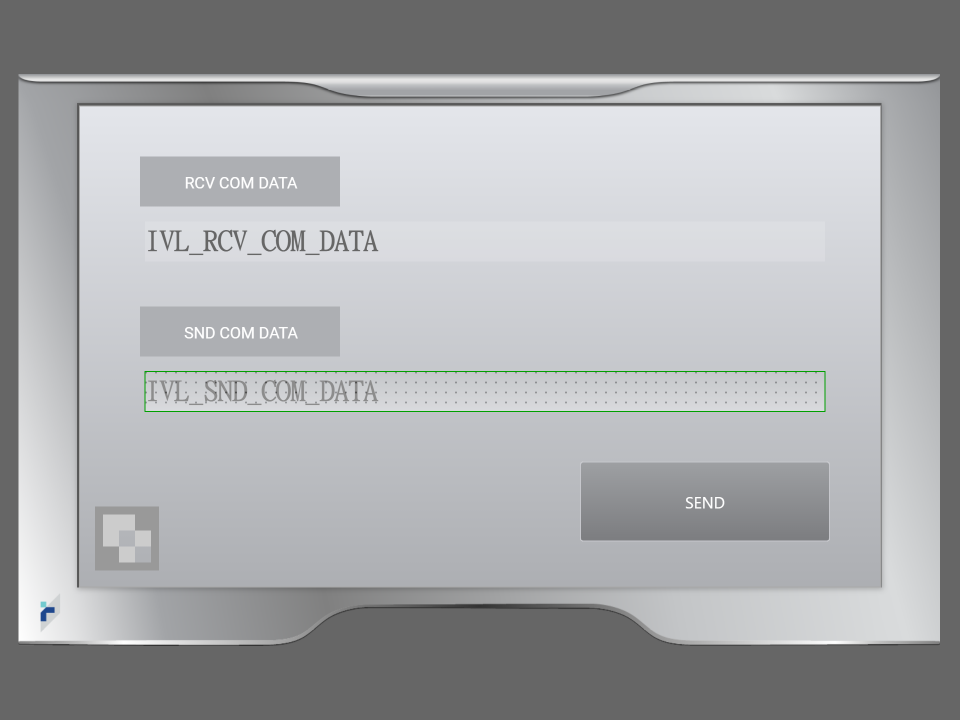
Once the simulator is launched successfully, users will see:
1. Please connect the panel with your PC with a USB cable. Then power on the panel.
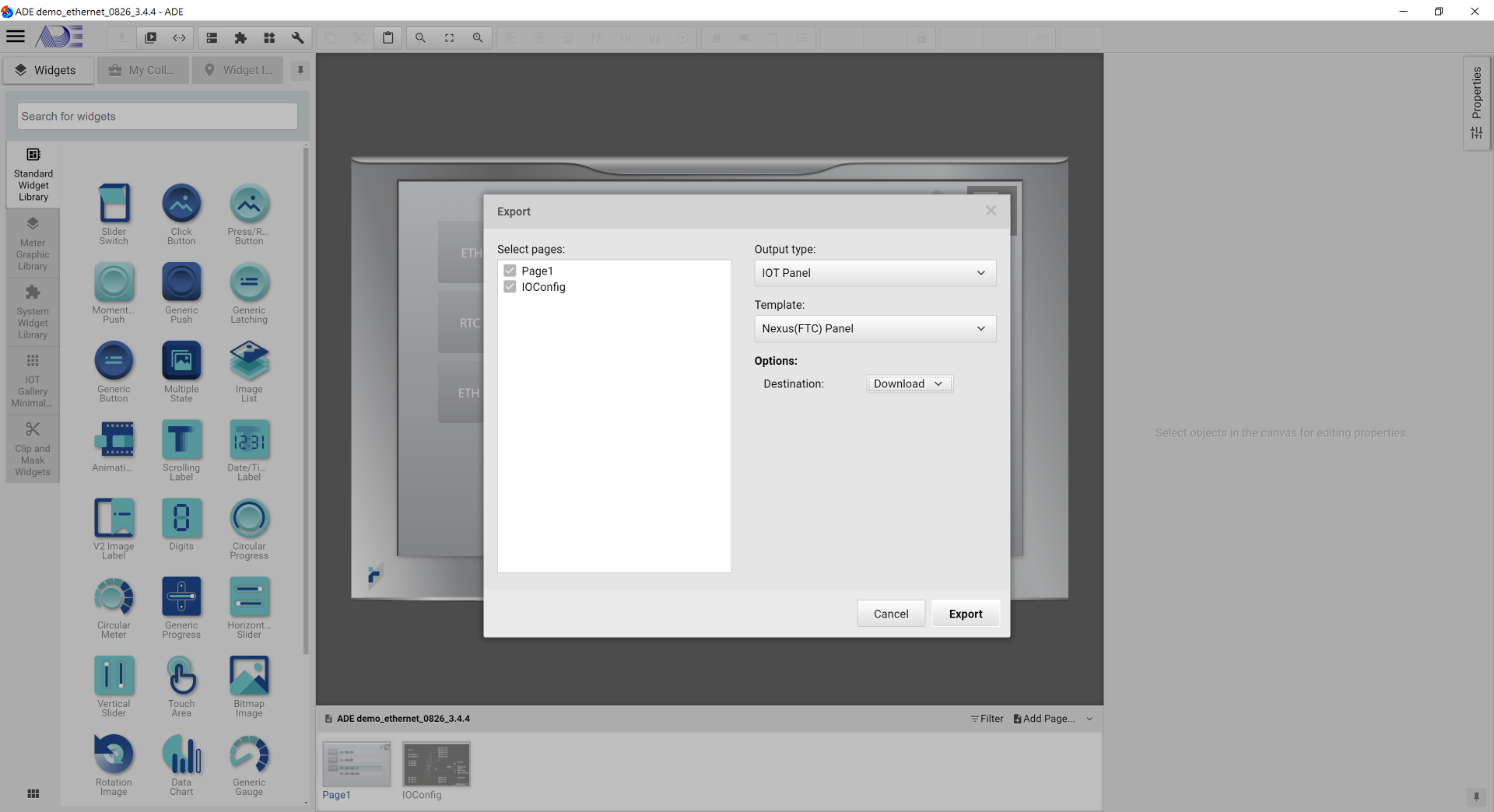
2. In ADE, export the demo project.
3. As shown, in the Export window, please select the Output Type to "IOT Panel", match the template to your target IOT panel and set Options to download. The click Export at the bottom.
1. Once Export is executed successfully, remove the USB cable.
2. Connect an RS-485-to-usb device to a PC, and lauch a terminal tool on the PC (such as Putty).
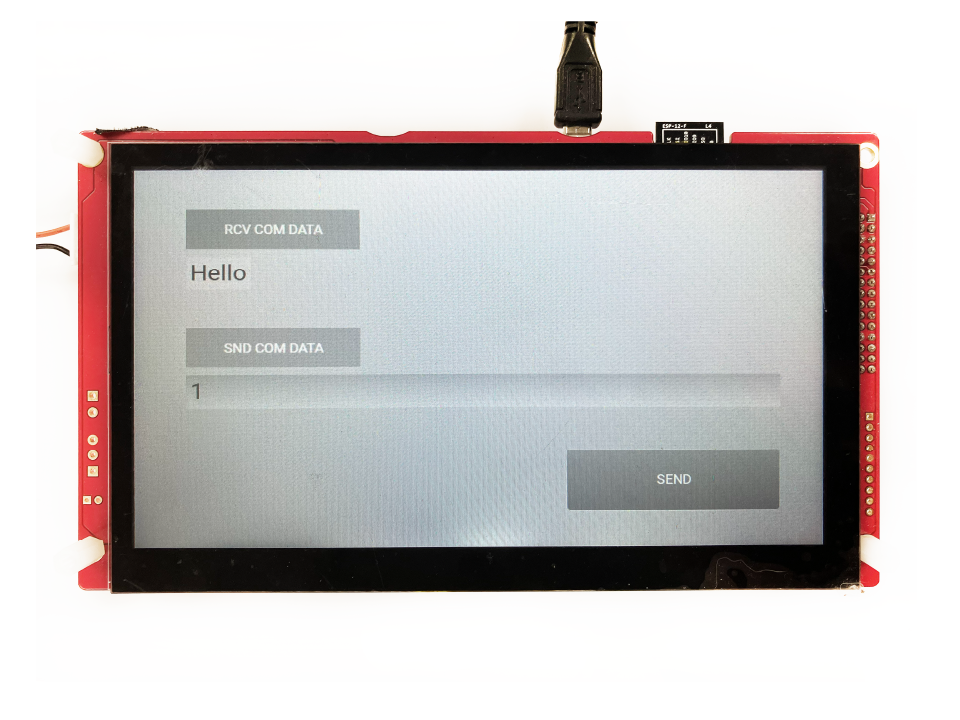
3. Transmit Data => Click SND COM DATA, enter the data (like "1" as shown), on the PC, the data is received and shown.
4. Receive Data => On the PC terminal, please enter the data for transmit (in our example, "Hello" is used), below RCV COM DATA, the Panel shows the received data.
The demo project is to show how the basic RS-485 operations are done. Users can customize their own RS-485 communication based on the sample code offered in this project.