How to gather the control board information
Step 1
-
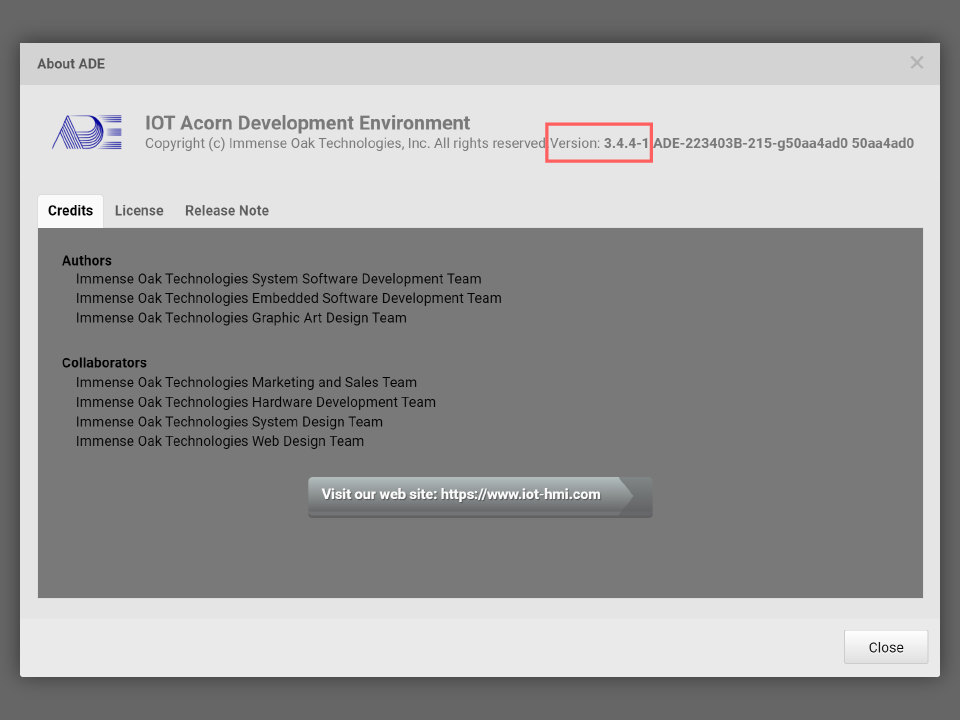
Launch ADE
Go to System Memu > About… for checking the ADE version
Step 2
- Use a USB cable to connect the control board and the PC running ADE
Step 3
-
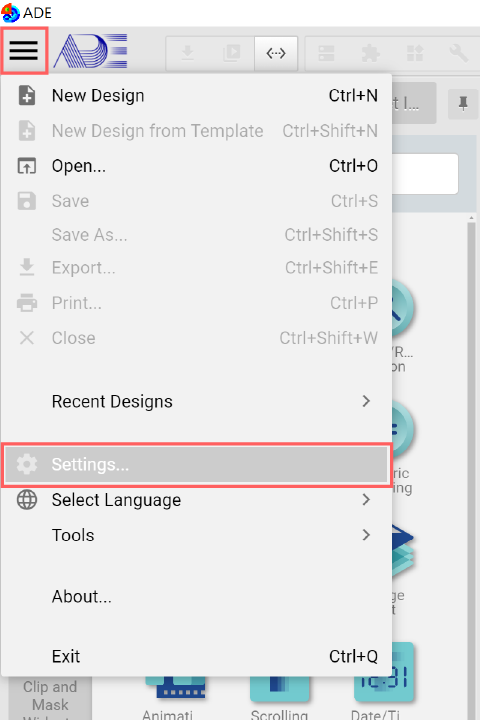
Click System Menu > Settings…
Step 4
-
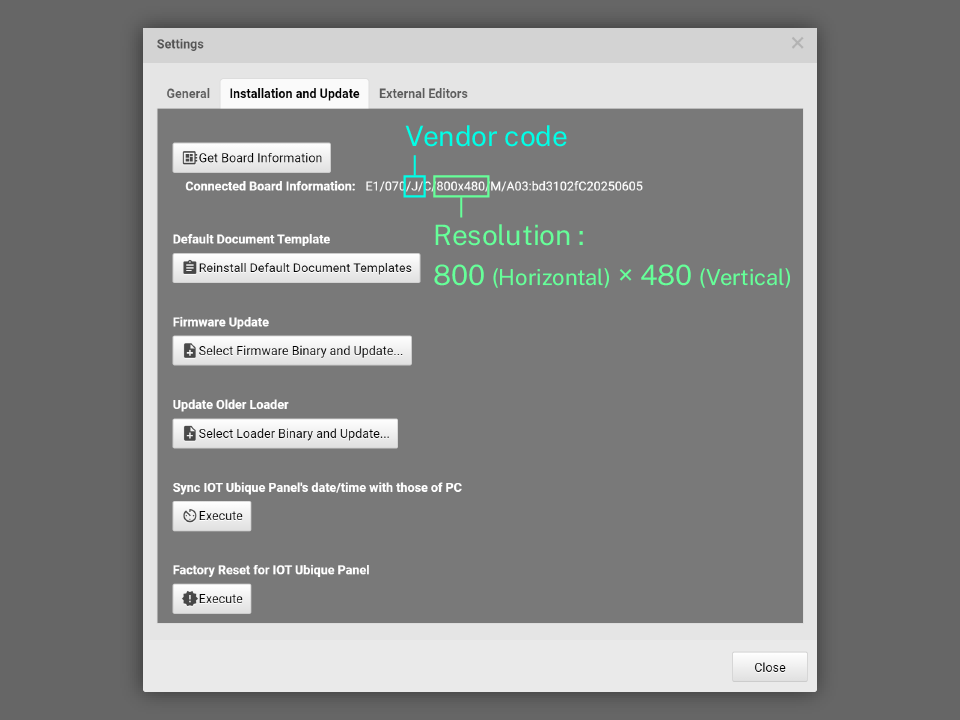
Click Installation and Update > Get Board Information
-
The board information describes the product type, LCM vendor and the resolution
-
J are vendor code
-
Resolution is 800x480
-
-
Please remember the vendor code and the resolution, the firmware update requires this information.