How to update firmware
Step 1
-
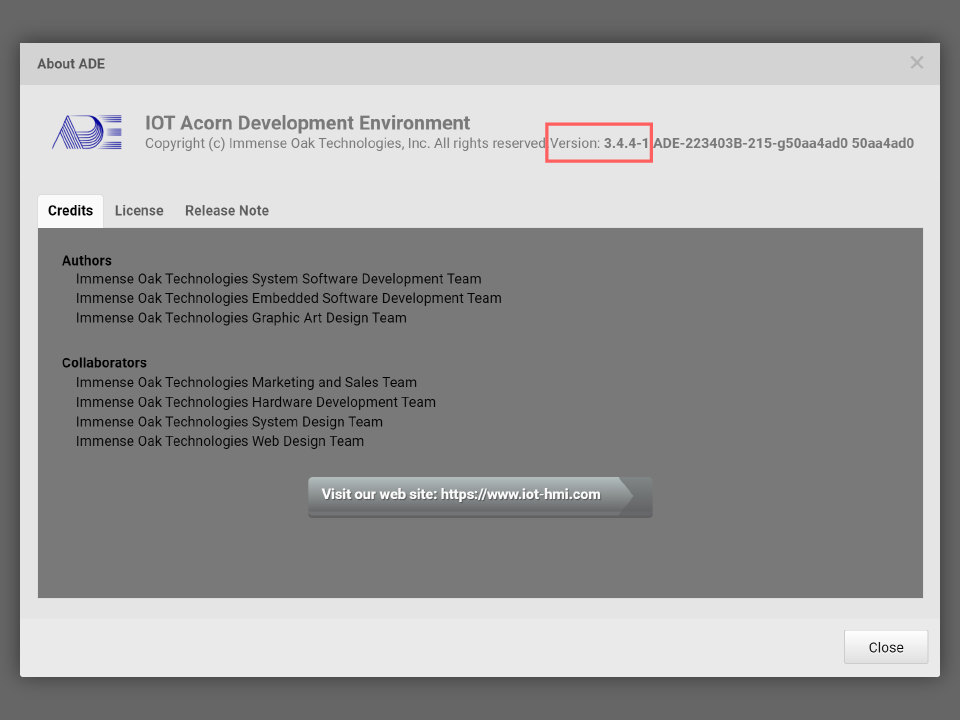
Launch ADE and confirm the version
Go to System Menu > About… Check the ADE version
Step 2
- Use a USB cable to connect the control board and the PC running ADE
Step 3
-
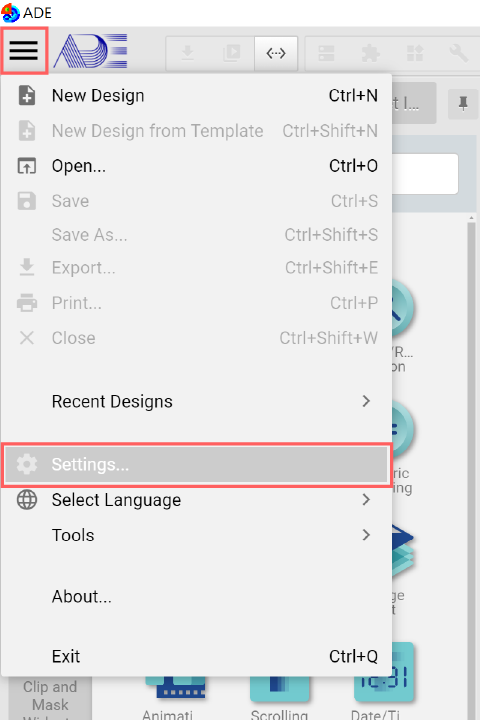
Click System Menu > Settings…
Step 4
-
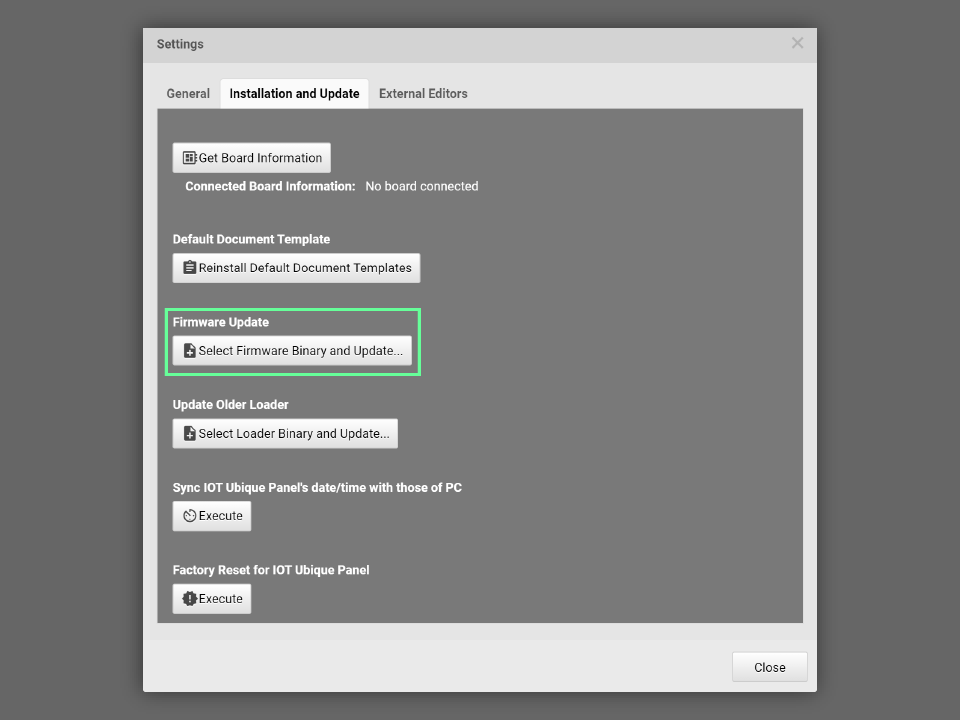
Select Installation and Update > Firmware Update
-
We need to use the vendor and resolution information collected previously.
-
Please choose the right vendor code and resolution. then click open.
-
For example, if the LCM vendor is JoinDisplay, and the resolution is 800x480, then please select this firmware:
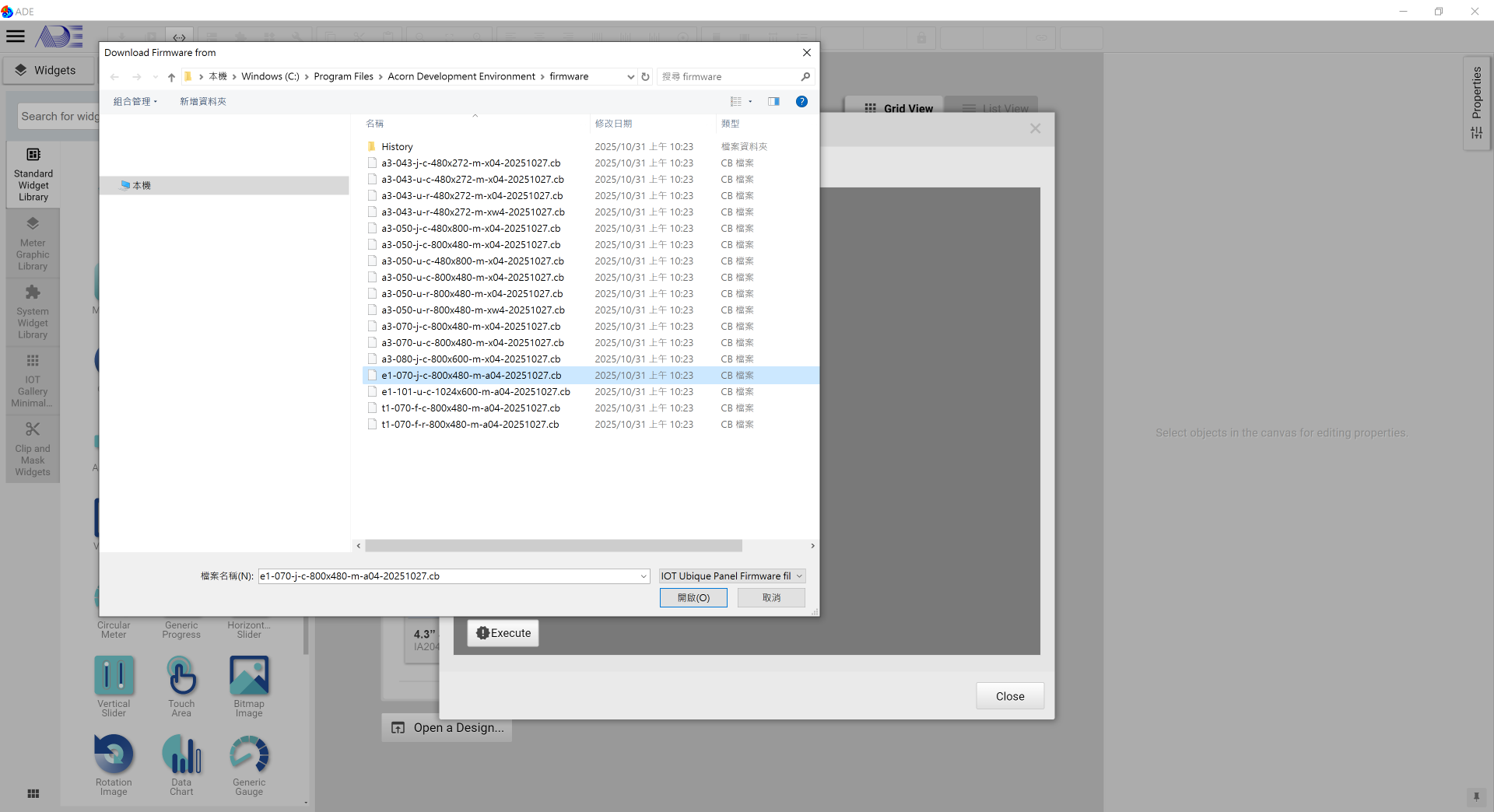
-
-
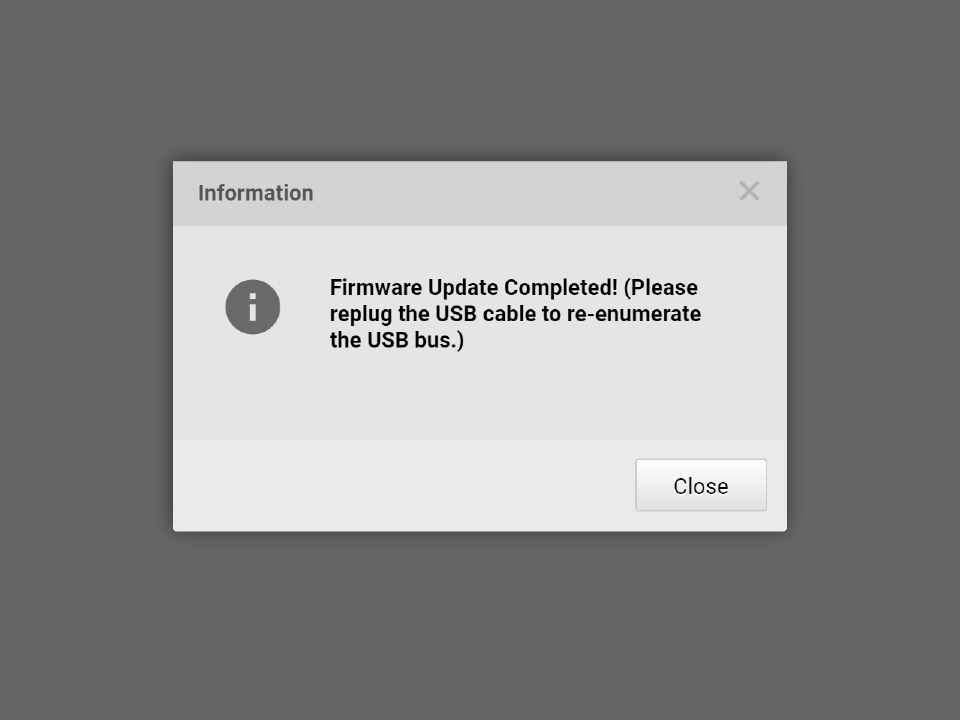
Once this message is shown, the firmware update completes.